Indie App Catalog
Great apps from
independent developers.
A hand-curated catalog of 2,581 apps from 1,473 indie developers for Apple platforms. No big studios, just solo developers and small teams.
New Releases
Yapa: Card Scanner & Collector
Free scans & TCG prices

Road Conditions - RoadCast
Trip Weather + Traffic Cameras

Gadwal - Postgres MySQL Client
SQL Database GUI with AI & MCP
IconSwapper
An icon studio for your Dock
Huahai: Western Art History
Famous Paintings & Art Museums
Speakey
Speakey is a voice agent for the Mac.
Shotnamer – Screenshot Renamer
Named by content. No cloud.

Rip or Skip
Card tracker & buying insights
CornerForm
Rounded corners for any screen

Copyback: Clipboard History
Copy & Paste Manager, Pins
Slopie: 3D Ski Map
Every run on the real mountain
Desky - Desktop Mode Switching
Unfold to Desktop Web Browsing
Tripod — Podcast Player
Inbox, Triage, Transcripts

Monlet
Network & System Monitor

Nameshot
Screenshots renamed in a blink

Bobara: Calm Moments & Boba
Capybara widget & Apple Watch

Pelican: AI Chat Assistant
Ask anything. Get it done.

Blotkins
Drop ink. Fold. Meet someone.
Recently Added

Squool: Tutor Schedule Planner
Tutoring Tracker & Payments
Huahai: Western Art History
Famous Paintings & Art Museums
Swell: Health Timer
Set and rest timer for lifting
Enlay: 3D Device Mockups
Frame Screenshots & Videos

Loop Heist
Time-loop heists with past you

Magic Diary: AI Mood Journal
Turn your days into tales
Road Conditions - RoadCast
Trip Weather + Traffic Cameras
Gadwal - Postgres MySQL Client
SQL Database GUI with AI & MCP

InputConfig
Controller, MIDI, & Key Mapper

Keysong
Tap a piano, get a song
House Radar
Find things in your house
Pocket Rack: Album Tracker
Save albums, listen later
Copyback: Clipboard History
Copy & Paste Manager, Pins

Momently: Countdown Widgets
Days Until Birthdays & Trips

Zero Note: Self-destruct notes
Burn message after its read
Retcon
Rewrite Git history with a single drag-and-drop
Key Press Counter: Notes
Typing stats & ambient sounds

Sudoku Mori: Daily Puzzles
No ads. Hints that teach.
News
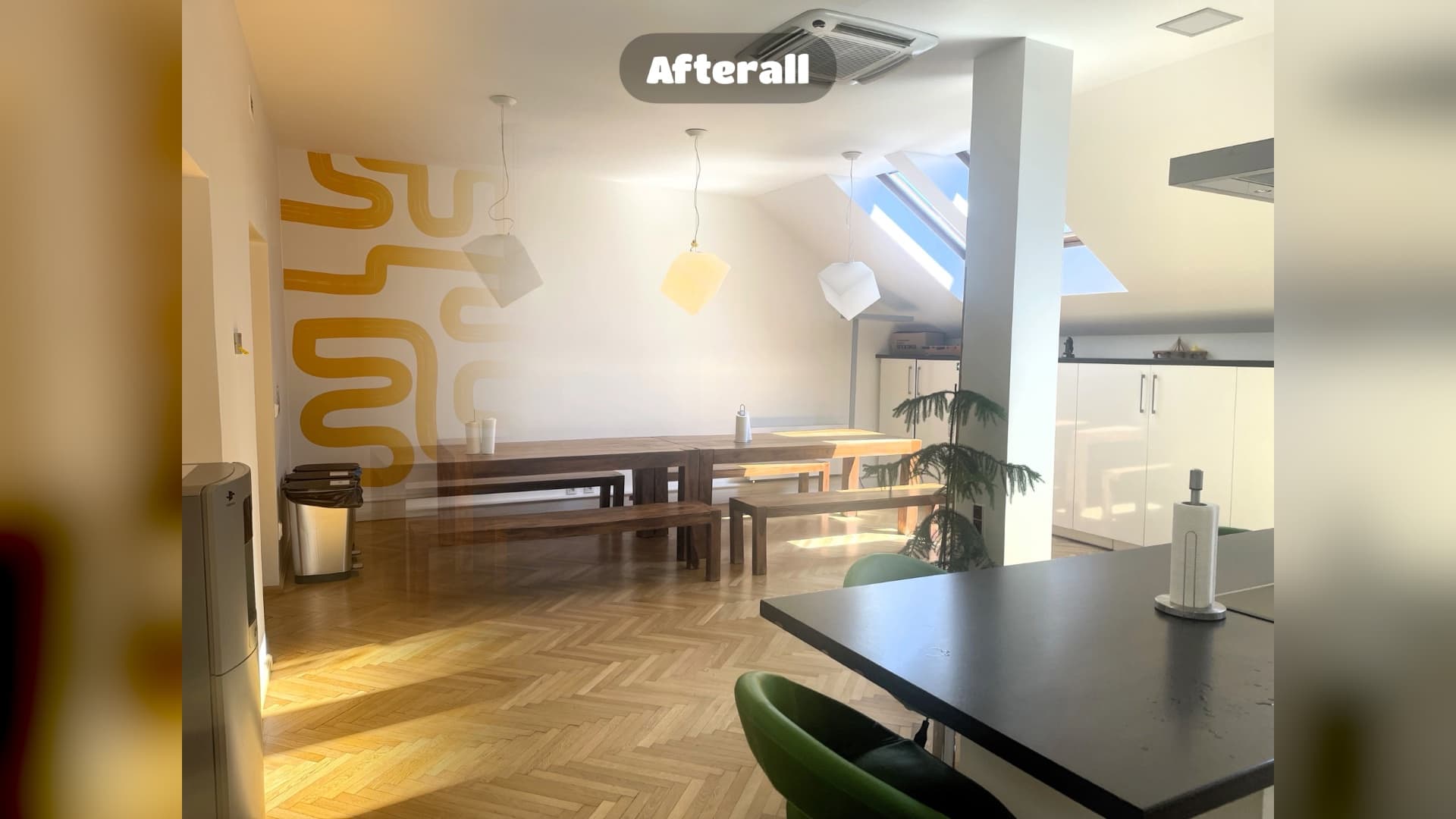
Afterall Photo 1.2: spots for every room
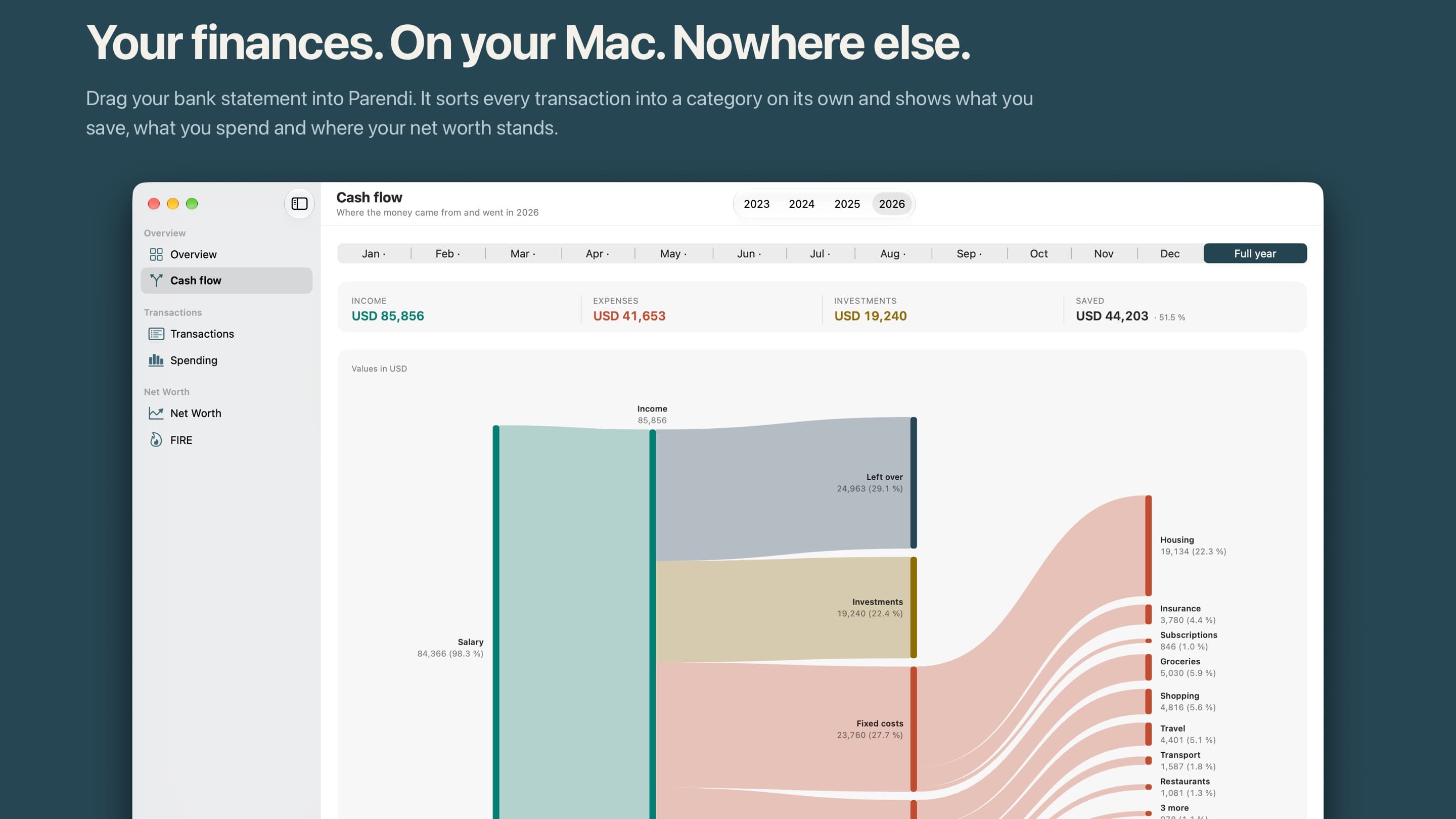
Parendi: a finance app for the Mac with no network access

A big leap for your movie watchlist: Filmlog 2026.9
Keep your Mac awake. Hide desktop icons. Focus active windows.
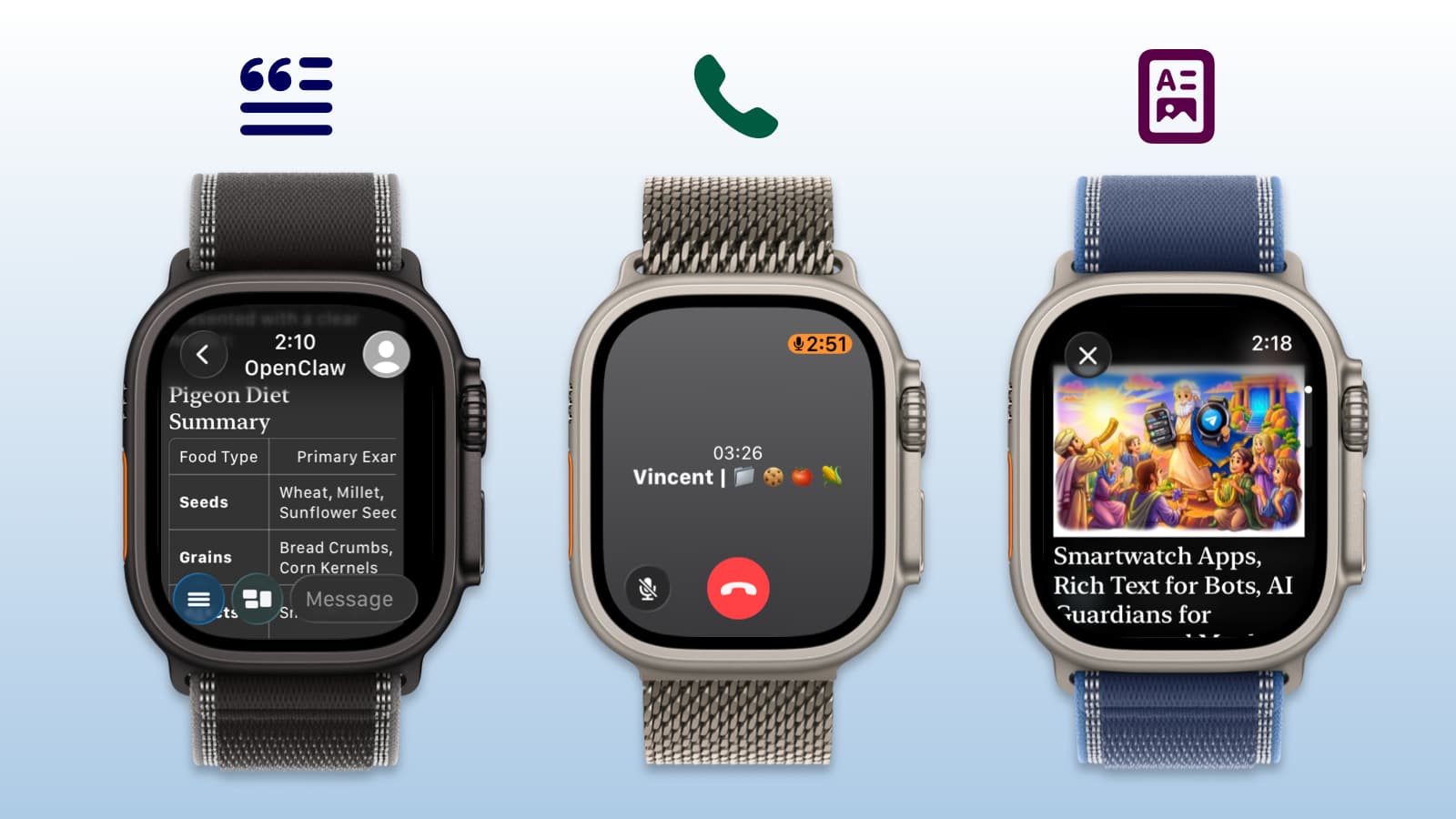
Pigeon 1.10: Telegram E2EE Voice Calls on Apple Watch
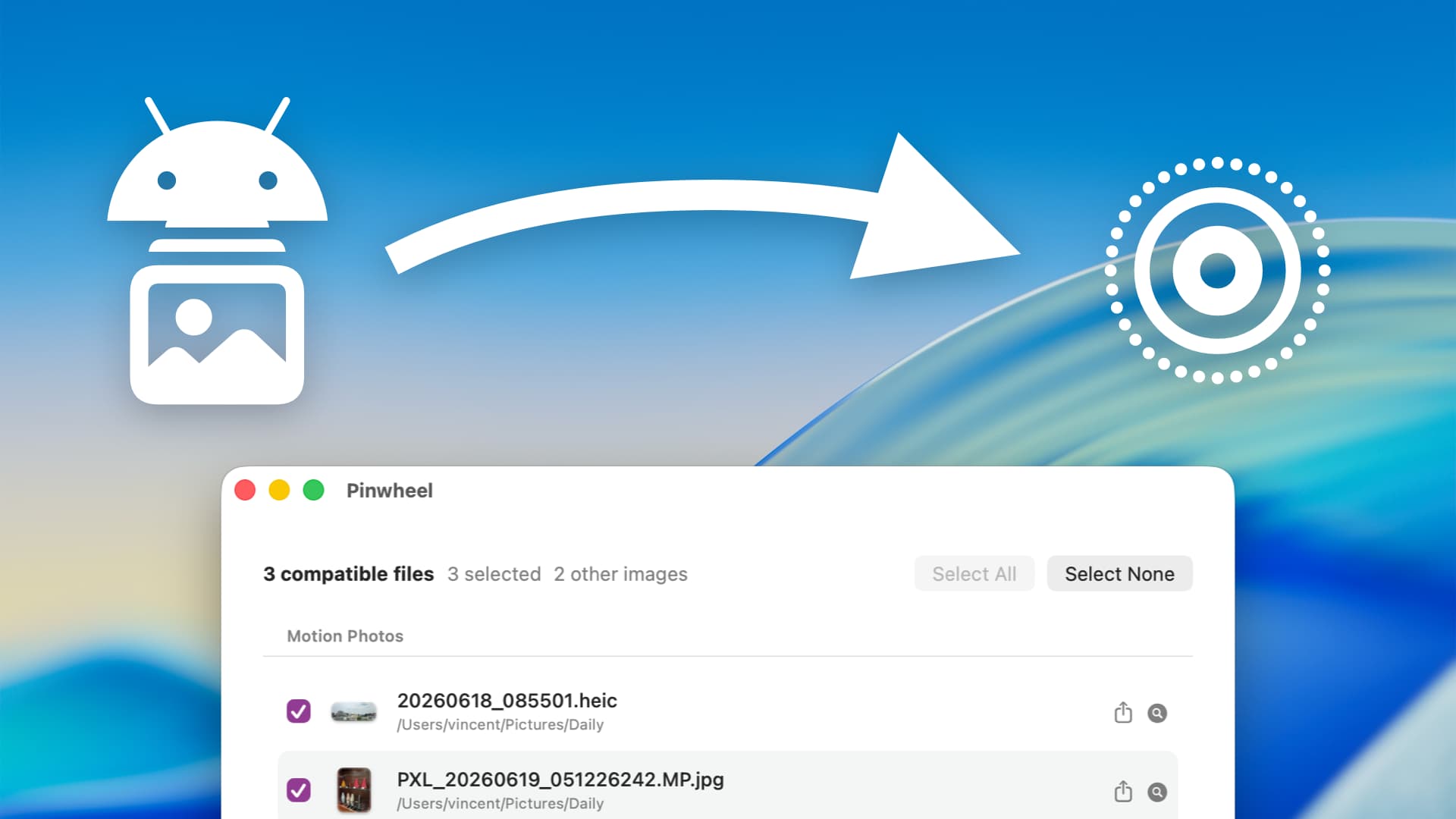
How to convert Android Motion Photos into Apple Live Photos
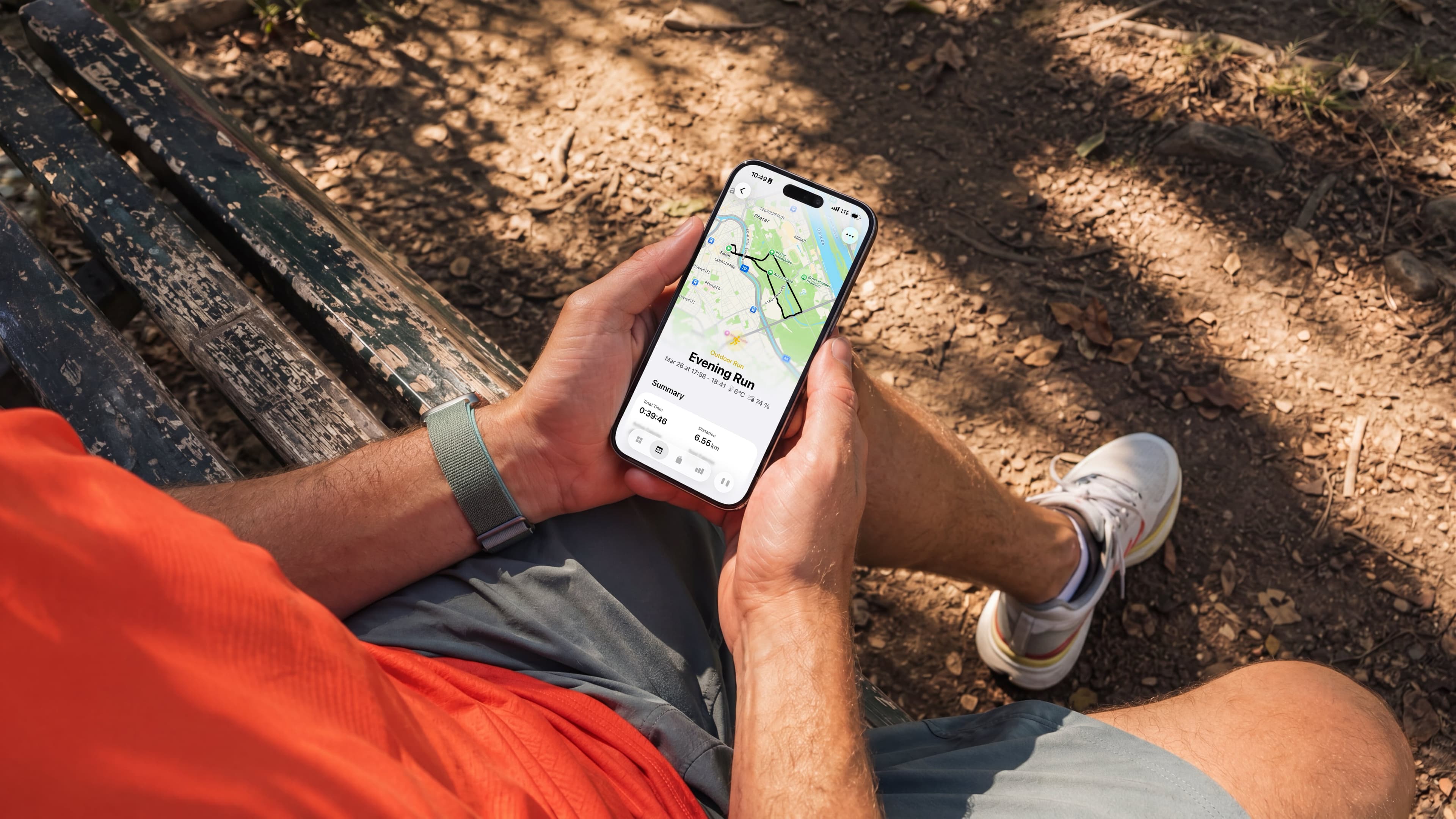
Whistle 2026.1: AI Workout Planner for iPhone and Apple Watch

11 PM. Open Suitcase. No Idea What I'm Forgetting.
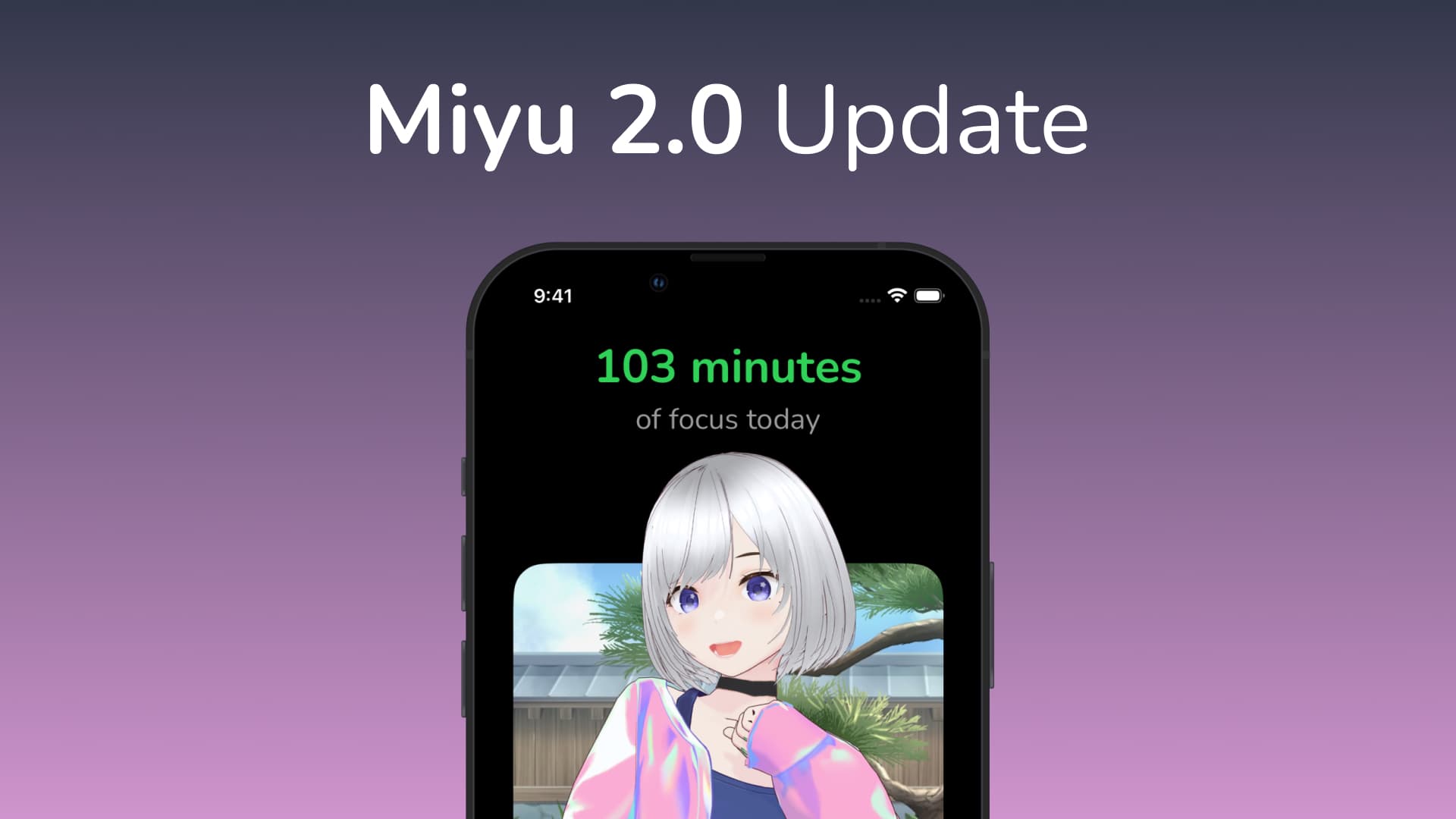
Miyu Focus Timer: New outfit, 5 new rooms, and more!
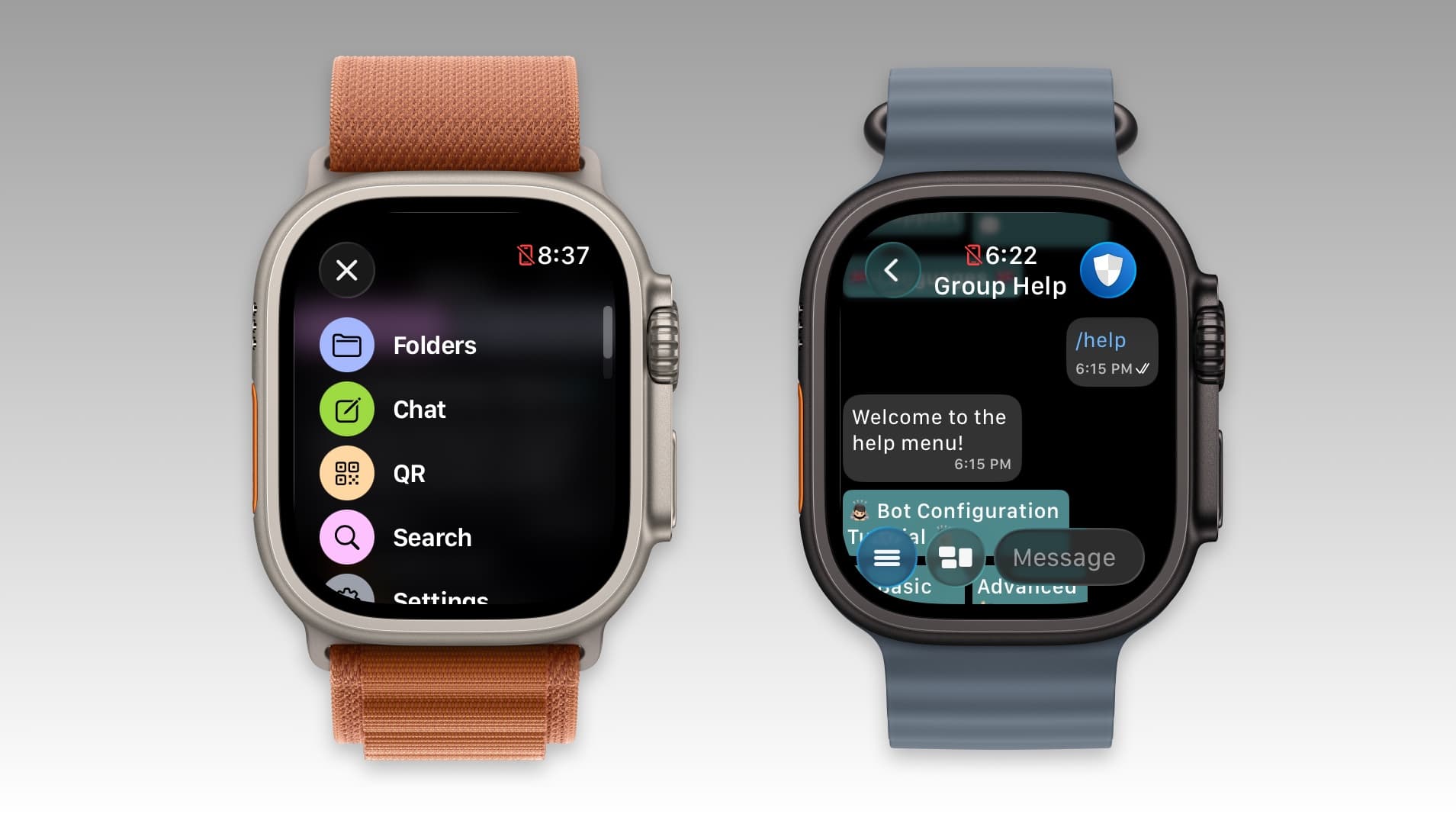
Pigeon for Telegram: Portuguese support, new menu and more.
Events

England v New Zealand


Laundry Lens 3


Holiday Budget Challenge

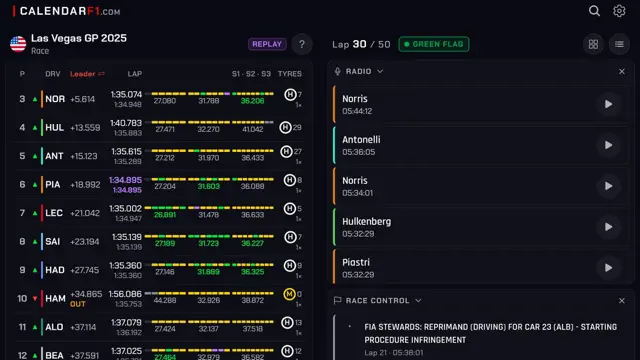
Las Vegas weekend, live


Lantern Night: Light It Up!


Black Friday


New chapter: The Grand Hotel


Thanksgiving Puffin

Sea-Doo UK 14.0 is here


Ready for iPhone Duo

Coming Soon
Sudoku Mori: Daily Puzzles
No ads. Hints that teach.
Pre-order · Dec 1

Brew Coffee
Please try making Hario V60 or Chemex. The current recipe is set to a 1 : 17 ratio for coffee : water. I'll be exposing this as a recipe setting in an upcoming version.

Beta

Artifacts: Images + Bookmarks
Artifacts is an image + link organizer app for macOS and iOS. A completely native, local first way to save all that stuff you find across the web. The items you save are saved locally and synced to all your devices privately using iCloud. There is currently a free plan for up to 50 items and then a subscription to the Pro plan to unlock unlimited items. You will not be charged during the TestFlight, so don't hesitate to subscribe to test it out. We're still figuring out the exact limits and costs of the plans. This is definitely a beta, and we have a long list of things to polish, but should be mostly stable. Please send any feedback to support@artifacts.app. Thanks for testing!
Beta

The Recipe Box To Go
Your perfect kitchen companion is ready for iOS 15. Take advantage of recipe scanning, instant import improvements, and interface enhancements from the new operating system. Please test importing and note any interface oddities.
Beta

Plate: Food Diary
Plate is BeReal for food - a diary shared with friends. Snap what you ate. See what your friends had. Stay in touch without pressure. Not an Instagram. Not a popularity contest. Not influencer food. Share the real food here. Pizza with ketchup. Plain tuna pasta at midnight.. food nobody posts on Instagram. Invite friends - Plate is much better with friends. Early free public TestFlight beta. Looking for feedback - use the card inside the homepage.
Beta

Mark - Markdown Notes
Mark is a calm Mac notes app for markdown files that already live in a folder you share with someone else — on OneDrive, iCloud Drive or in a git repo. Point Mark at that folder and you get a clean sidebar, file list and editor on top of your existing files. The files on disk stay the source of truth: properties in YAML frontmatter, links as [[wikilinks]], nothing locked into a proprietary database, so the same folder keeps working in Obsidian, Finder or Claude Code.
Beta

Snack: Bookmarks with RSS
An RSS-enabled and browser-focused bookmarking app that helps you keep track of your favorite sites. Allows users to add favorite or frequently visited sites, monitor when they have new content via RSS feeds, and quickly visit those sites. Includes an optional Safari extension to monitor when and how often you've visited your favorite sites and mark RSS items as "read" based on browser visits.
Beta

Mic Captions
Mic Captions turns spoken audio into easy-to-read captions in real time. Use your iPhone or iPad microphone to follow conversations, lectures, meetings, tv shows, and other spoken content. Mic Captions can also translate captions, save sessions for later review, replay recorded audio alongside the transcript, and help you navigate saved content with Topics and Words.
Beta

iCandy - Icon Manager
iCandy is an application to allow you to organise your collection of ICNS icons. Included are a number of features to make it easy to organise and browse your collection including the ability to organise icons into sets, and sets into folders. The ability to add metadata to icons and icon sets, to search your collection of icons and to browse your collection in a number of ways including grid and list views, to view icons with a specific primary colour, assign and view by tags and more. iCandy offers both the option to save your icons to a local library, or to a library on iCloud.
Beta

Trimothy
Trimothy is the Apple native, lightning fast, get-in-and-get-out video editing app of my dreams. The idea is simple: I don't want to create a whole project and library for every little video edit I need to make. Sometimes I just want to quickly combine two videos together, tweak the playback screen, change the audio or music, or add captions to a video. With Trimothy you can do all of these things, export, and then close it out leaving no trace behind. The app is, generally speaking, ephemeral (though I could add some concept of saving project files if that's something people really want.). You can add files by importing, dragging and dropping, copy and pasting, right clicking and "Open with", or from the share sheet.
Beta

Wonder Coffee
Wonder Coffee is your personal coffee journal and guide to specialty coffee places. Keep track of your coffee beans, save brewing recipes, and record the cups you make. Discover cafés, mark places you want to visit, and remember your favorites. During the beta, please share feedback on everyday use, anything that feels confusing, and any bugs you encounter. Screenshots and a short description of what happened are especially helpful. You can send feedback directly through TestFlight.
Beta

Mythspire
Mythspire is a portrait, one-thumb survivor game with the charm of a toy box and the crunch of an arcade. You steer a hero through swarms of monsters, and your weapons fire on their own. Survive as long as you can across a thirty-minute run made of five chapters, ending in boss fights. Everything is done with one thumb: drag to steer, flick to dash, and double-tap to fire your hero's ultimate. Level up during a run to pick weapons and passives, open chests for rewards, and unlock new heroes. Each hero has its own look, starting weapon, trait and ultimate. The game is single-player, works offline, and has no accounts, purchases or ads. No login is needed. This is an early test build. Feedback is most useful on how the controls feel (steering, the flick dash, double-tap ultimate), whether the screen is readable when the crowd gets thick, difficulty, and anything that crashes, stutters or looks cut off on your phone or iPad.
Beta

Brim Browser
First version of Brim Browser with automatic status bar avoidance
Beta

Canvases
Canvases lets you design widgets and update them through Shortcuts.
Beta

Sumi: Graph-based Outline Note
Sumi is a native outliner for Mac, iPhone and iPad that works directly on your Logseq Markdown graph: plain files in a folder you choose, or in iCloud Drive. No database migration, no account, no sync subscription. Journals, pages, links, backlinks, block references, tasks, queries, namespaces and properties work as in Logseq, and the files stay readable by Logseq, Obsidian and any text editor. This is a beta. Sumi edits your files in place, so please try it on a copy of your graph first, or start with the sample graph. Running Logseq on the same graph at the same time is not supported: close one before using the other.
Beta

Mostly Good Metrics
Mostly Good Metrics is a read-only iOS analytics companion for monitoring product performance on the go. Explore dashboard KPIs and charts, saved insights, funnels, retention, experiments, events, users, and configurable Home Screen widgets. A complete local sample account is available using the App Review instructions.
Beta

Atprosphere
Atprosphere - test Bluesky functionality.
Beta

Droog – Rain Alerts
(English below! :) Ik ben al maanden bezig met een nieuwe app, en hij is totaal anders dan alles wat ik tot nu toe heb gemaakt. Een soort love letter aan Nederland, en aan al die dagen dat we hier door de regen lopen en fietsen: een regenapp, speciaal gemaakt voor Nederland. En zodra je hem hebt ingesteld, heb ik het zo gemaakt dat je hem nooit meer hoeft te openen. Ik leg het even uit. Als je hier woont, weet je dat iedereen een fiets heeft, en een buienapp. Handig om te weten wanneer je het kantoor uit moet, de hond moet uitlaten, of nog een rondje kunt bestellen. Het probleem is dat de grootste buienapps je locatiegegevens verkopen aan adverteerders en databrokers. En wat krijg je ervoor terug? Een beetje middelmatige, ouderwetse meldingen op basis van gratis overheidsdata. Daarom heb ik Droog gemaakt: een app die je droog houdt én je privacy beschermt. Zo werkt het: Droog verschijnt vanzelf op je lockscherm als er binnen een uur regen komt, en verdwijnt weer als de bui voorbij is. Je hoeft dus niks te openen. Je kunt Droog ook als widget op je lockscherm of Apple Watch zetten. Je exacte locatie blijft altijd op je telefoon, en de servers van Droog gebruiken zo min mogelijk data. Het ontwerp is geïnspireerd op risoprint, een beetje onnauwkeurig, net als radardata. Droog is gratis, inclusief de widgets en Apple Watch-complicaties. De automatische meldingen op je lockscherm zitten in Super Droog. Dat kost €0,99 per maand, zodat ik de servers kan betalen. Iedereen krijgt vijf gratis regendagen om Super Droog te proberen, zonder proefabonnement. Droge dagen tellen niet mee. Droog zit de komende weken nog in beta. Ik zou het echt superleuk vinden als je het wilt proberen en me laat weten wat je ervan vindt, via de chat in de app. Geniet nog even van de laatste zonnige dagen, en blijf droog! ※ English ※ I’ve spent the last few months making a new app, and it’s unlike anything I’ve made before: a love letter to the Netherlands, and to all those days walking and biking through the rain here. It’s a rain app made specifically for the Netherlands, and once it’s set up, I’ve made it so you never need to open it again. Let me explain. If you live here, you know everyone has a bike and a rain app. It’s how you decide when to leave the office, walk the dog, or order one more round. The problem is the biggest rain apps sell your location data to advertisers and data brokers. And what do you get in return? Mediocre, old-fashioned alerts built on free government data. So I made Droog, an app that keeps you dry and keeps your location private. Here’s how it works: Droog shows up on your lock screen when rain is coming within the hour, and disappears once it’s passed. Nothing to open. You can also add it as a widget on your lock screen or Apple Watch. Your exact location never leaves your phone, and Droog’s servers use as little data as possible. The design is inspired by risograph prints, a little imprecise, like radar data itself. Droog is free, including widgets and Apple Watch complications. The automatic lock screen alerts are part of Super Droog, €0.99 a month to cover the server costs. Everyone gets five free rainy days to try it, no trial subscription, and dry days don’t count. Droog is in beta for the next few weeks, and I’d really love it if you tried it and told me what you think through the in-app chat. Enjoy the last sunny days, and stay dry!
Beta
Anniversaries
Goal Streaks
Daily Habit Tracker & Routines
14th Anniversary

QuietScrob – Last.fm Scrobbler
Scrobbling from Apple Music
13th Anniversary
SQLPro Studio
SQL Database Client & GUI
11th Anniversary
MusicHarbor - Track New Music
Find album releases by artist
8th Anniversary
Loan Calculator - Loan2Me
Quick and Easy Loan Calculator
8th Anniversary
Time Tracker - Timelog
Hours tracking and goal timer
6th Anniversary