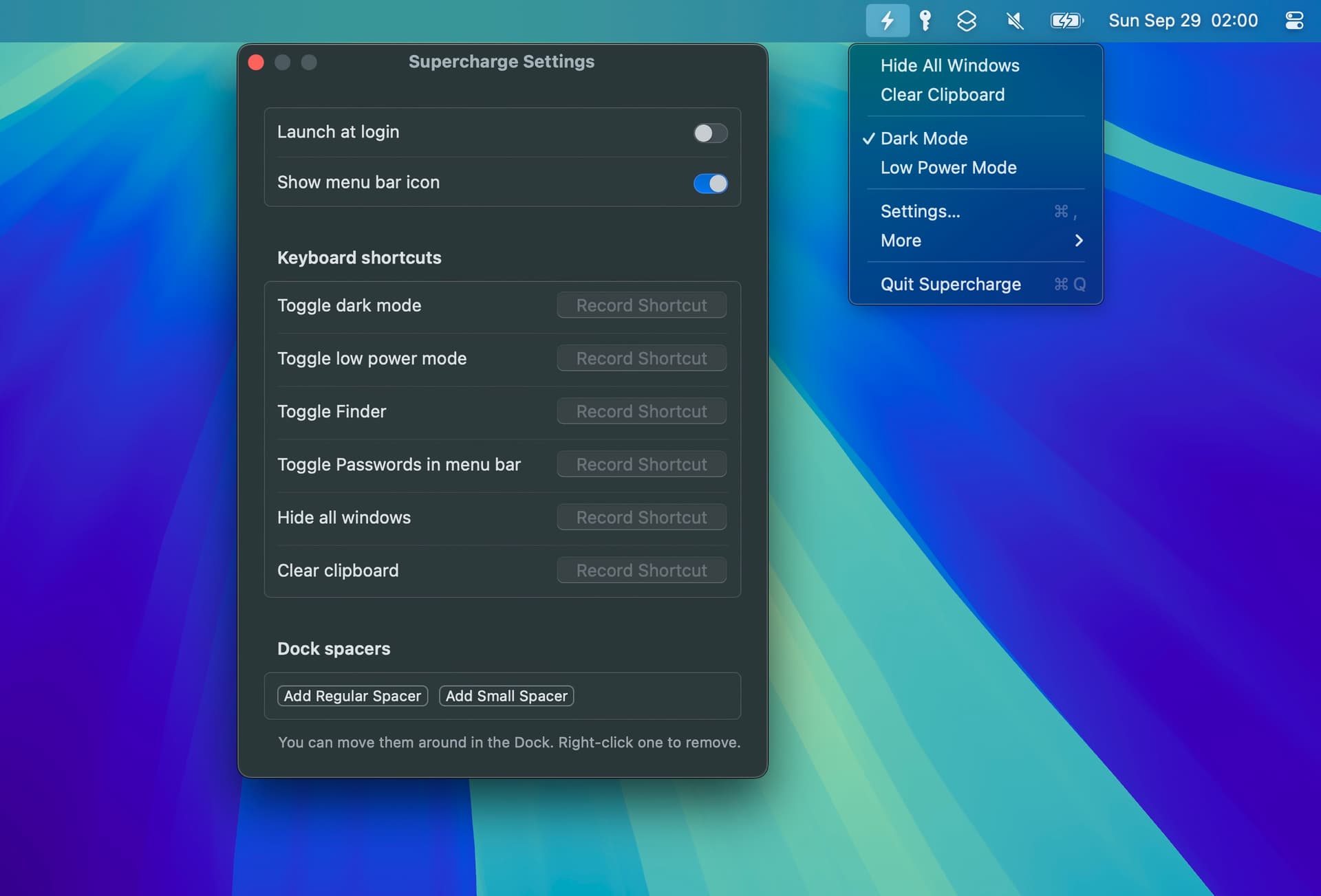
• The app now requires macOS 27. You can get the last version for macOS 26 on the app's website.
• Added tweaks:
• Clicking the red traffic light button can hide specific apps instead of closing their last window.
• Swipe down on an app's Dock icon to show its windows in App Exposé.
• Go to the enclosing folder with Esc in Finder.
• Automatically accept DMG license agreements.
• Added “Auto-Hide Menu Bar” keyboard shortcut and menu bar action.
• Added support for closing a Space by right-clicking it in the Mission Control spaces bar.
• Added a Markdown option to the “Paste text as file in Finder” tweak.
• Added support for the Kaku, cmux, and Rex terminals in the “Open in Terminal” context menu items.