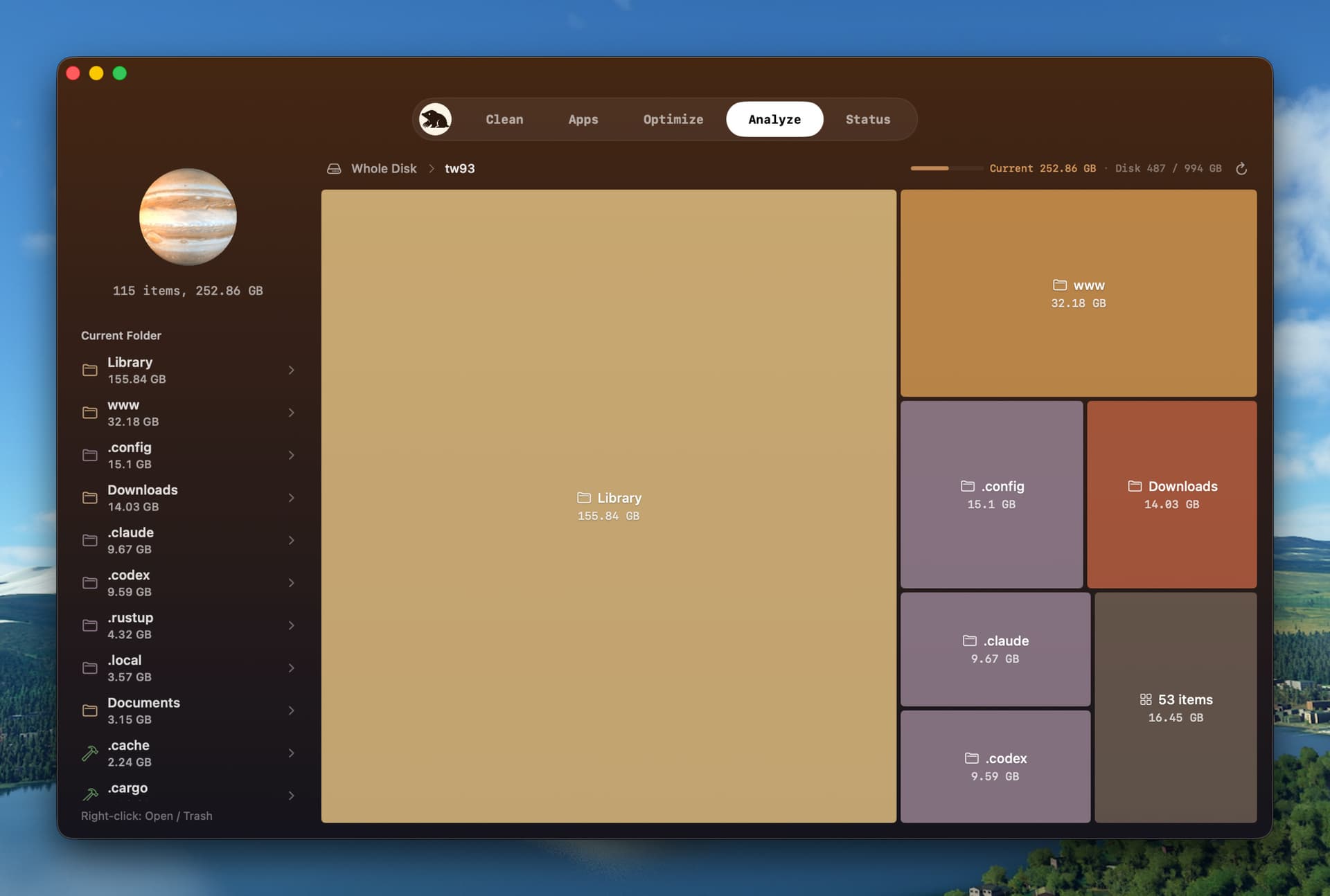
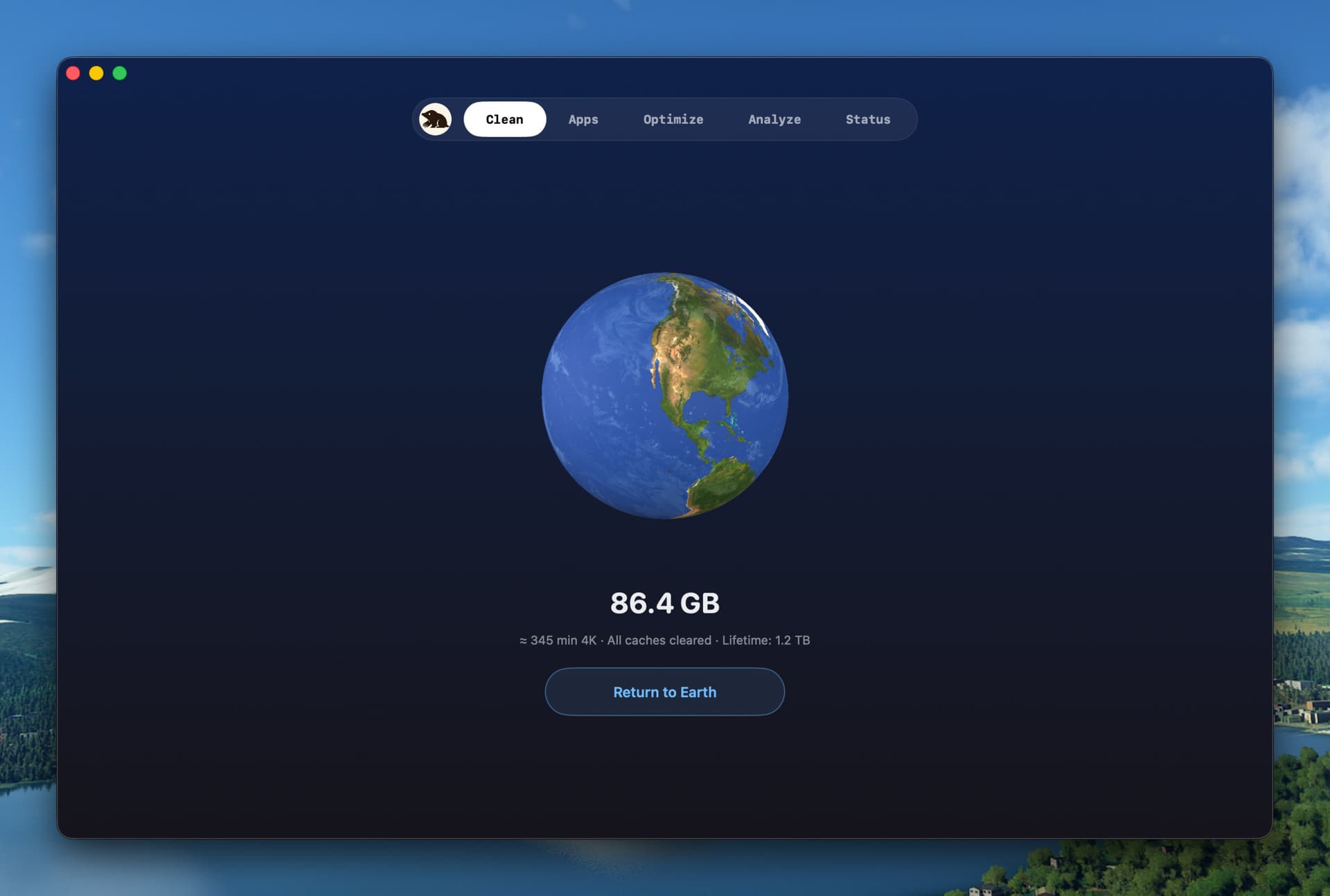
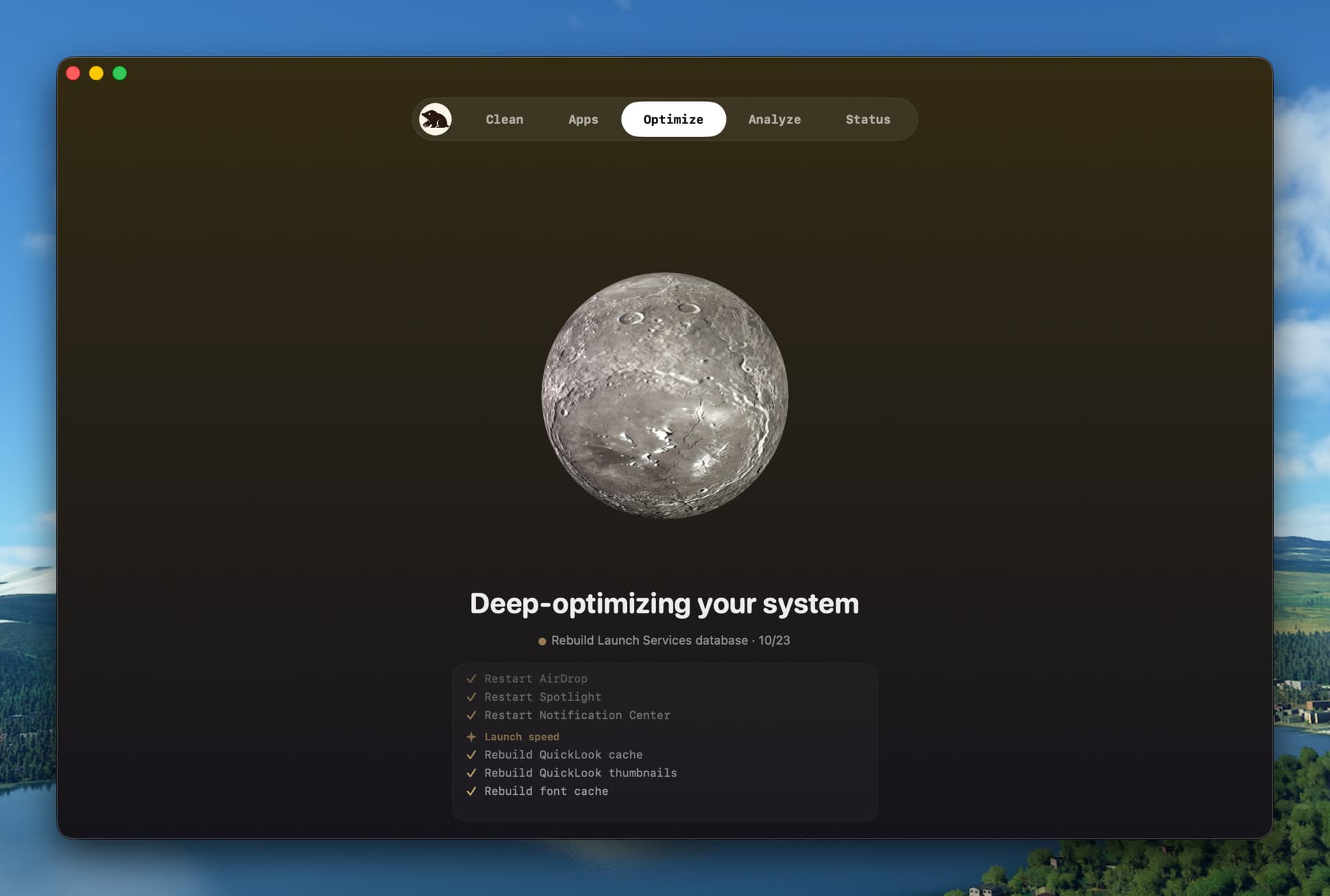
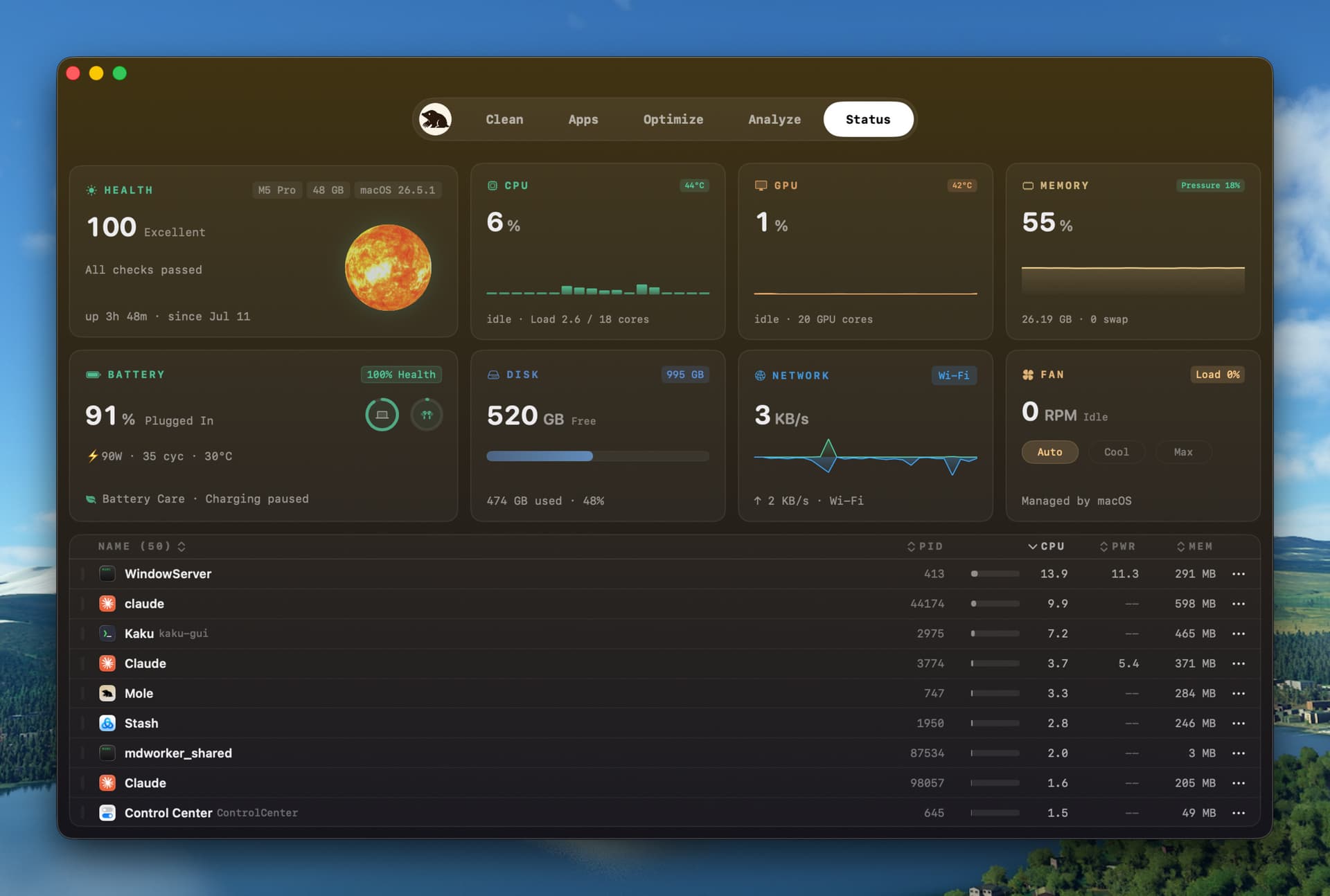
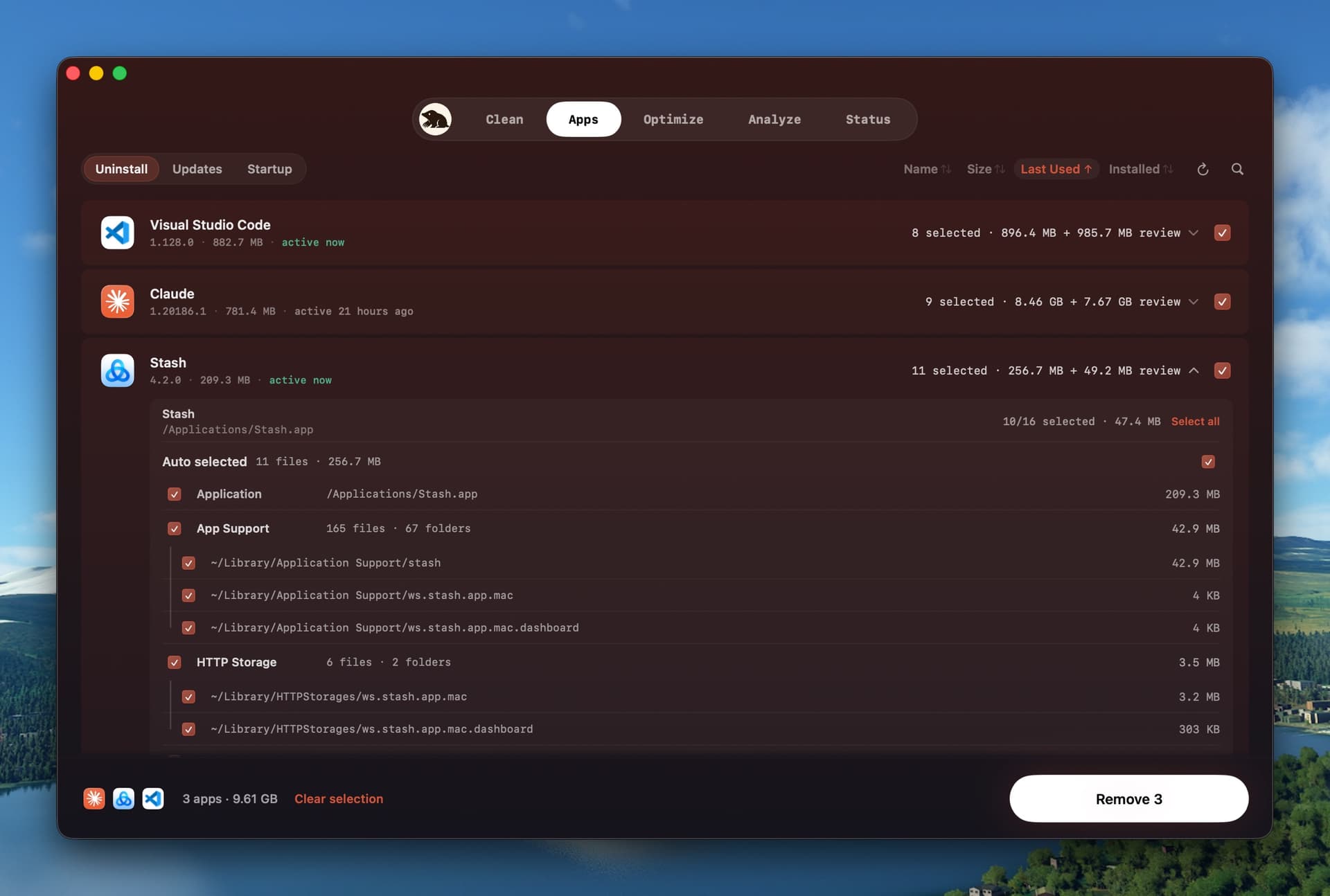
Mole is a native macOS utility for everyday Mac maintenance. Clean shows cache paths and sizes before removal. Software manages app updates, startup items, uninstalls, and related leftovers. Analyze maps disk usage in a treemap. Status shows live CPU, memory, GPU, disk, network, battery, thermal, and process data. Scans and cleanup run on your Mac. Mole supports macOS 14 or later on Apple Silicon and Intel. A $19 one-time license covers two Macs and includes lifetime updates. Each tool can be used twice before purchase.
• AI cleanup: Now lists hooks and MCP servers left behind by tools you have uninstalled, older copies of Claude Code chats saved again in another folder, and the folders Codex creates in Documents for each project, all unselected by default. DeepSeek Harness chats and QwenWork and DoubaoWork caches are covered, and chats moved to the Trash from here are no longer ticked by Select All on the Clean page.
• Clean: Items excluded from cleaning in Settings has a + button to add files and folders by hand, and everything inside an added folder is skipped too. A clean confirmed while another operation is running waits and starts by itself. When caches were skipped because an app is open, the result names the app to quit and how much more can be cleaned. Data from an app whose background job is still running is no longer listed as a leftover, crash reports Codex never uploads are selected by default, interrupted wallpaper downloads no longer wait seven days, and scans are faster. Caches of Chrome Canary, Edge Beta and other Chromium browsers are now cleaned too.
• Updates: Outlook, OneDrive and other apps that Homebrew installs as an installer package now finish updating in Mole, without Terminal. Brave and OnyX now show their updates, and Cline, DBX and Tinycast no longer show updates that do not exist. Apps that can only update themselves are marked Update inside the app, and a Mole update that failed to install is no longer offered at every launch.
• Uninstall: Uninstalling Orca or cmux lists the plugin files they left in other AI tools, and uninstalling WorkBuddy also clears its sign-in data. OpenCode's settings and chats are listed only once no other copy uses them. Clear Data Only is back in the app's right-click menu, Select All also ticks a browser's own data, the result no longer counts items you left unticked as not removed, and the Trash leftover window no longer slips under an auto-hidden menu bar.
• Disk analysis: RAW photos, model weights, build outputs and other large files are grouped by kind instead of showing as Other, and a whole-disk scan now lists the temporary folder tmp.
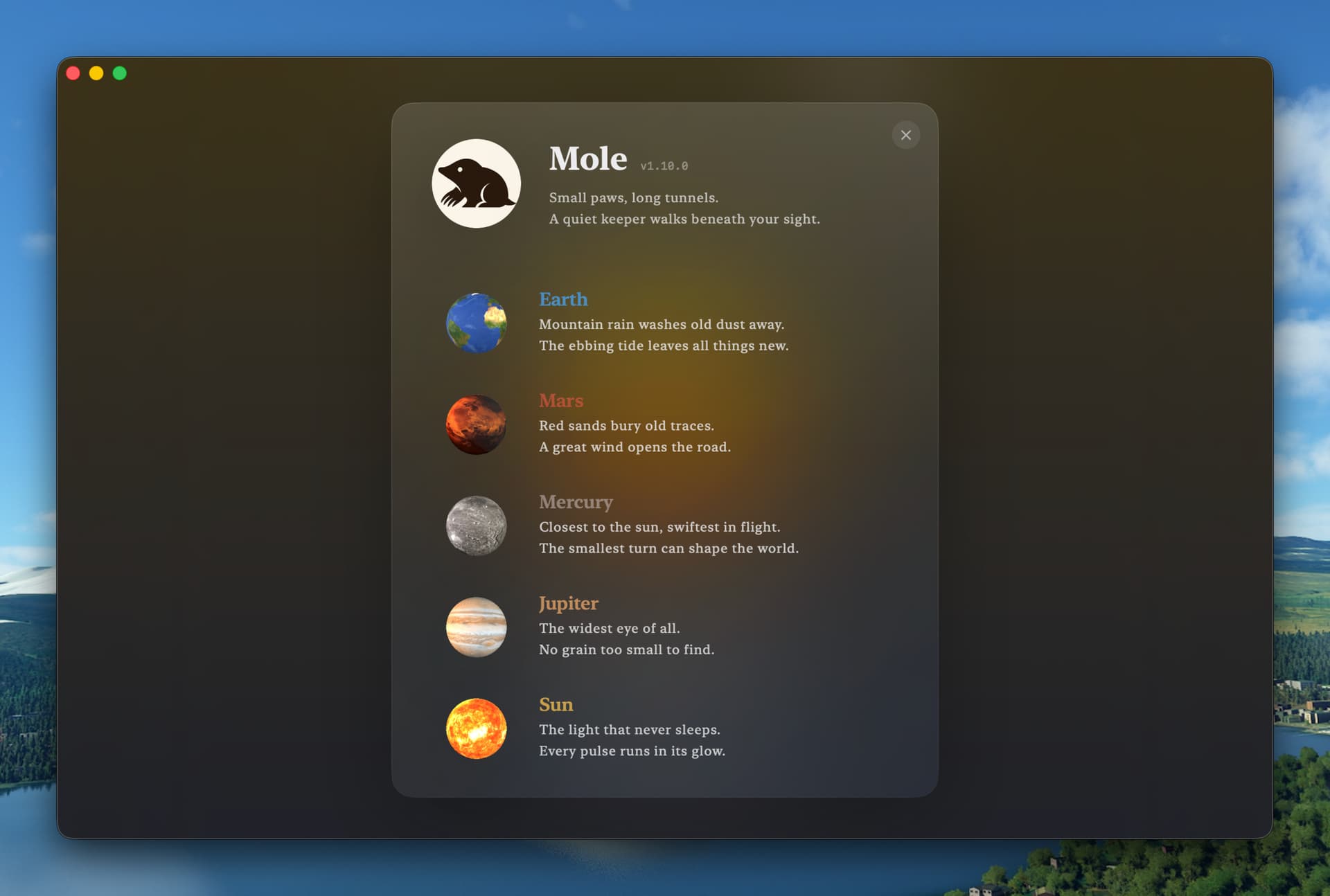
• Status and menu bar: The menu bar panel shows when a new version is available. On a Mac without a battery it lists up to five Bluetooth devices, and remotes show their own icon. The two tiers of CPU cores show in different colors, the process list scrolls more smoothly, upload speed no longer reads too high while a TUN proxy is on, and the planet stops spinning while Mole's window is behind another app.
• Fixes: Fixed Mole not responding to clicks after Clean Screen ends with the menu bar set to hide automatically, the window resizing twice when leaving full screen, and the Mac locking when the lid closes with Keep Screen On set to Screen and tasks. Codex chats are listed when Codex came only with the ChatGPT app, the AI cleanup entry appears right after an AI tool is installed, the See What’s New prompt goes away by itself, and entering a license already on its maximum number of Macs at first launch lists the activated devices. A background service that restarted normally is no longer marked Error in Startup.